# Doku Agent Runtime Guide

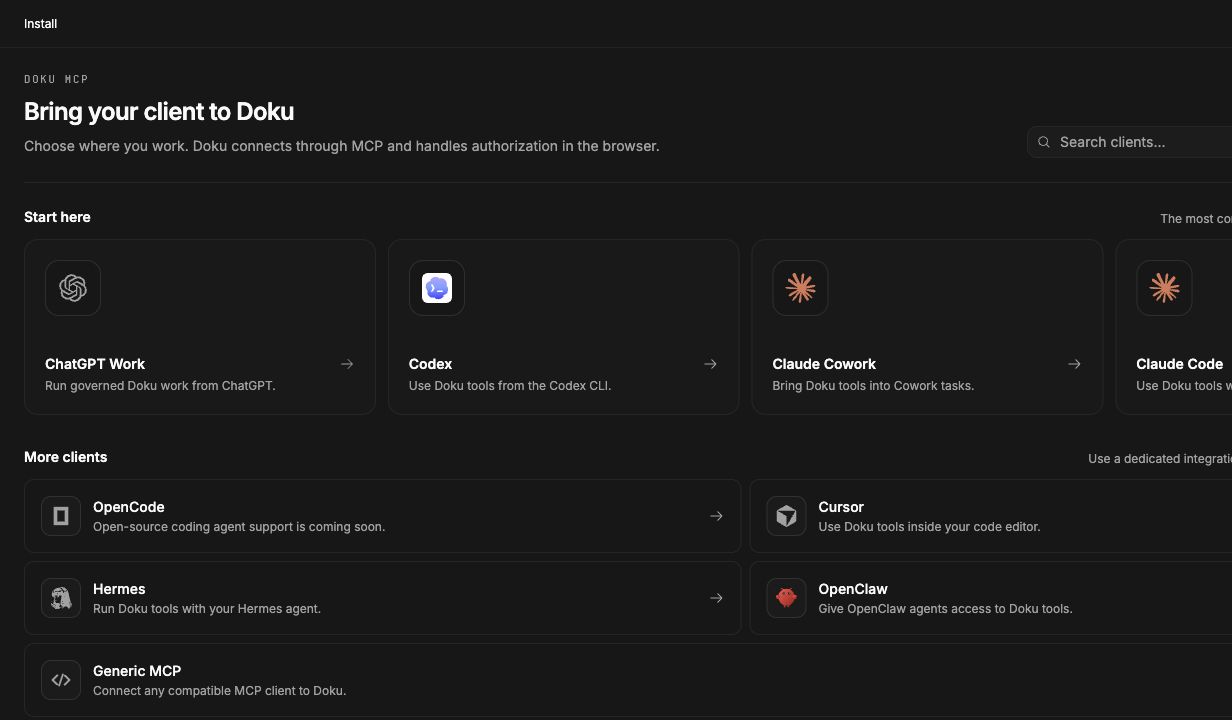
Doku turns a selected Playbook into a Playbook Run. The dashboard creates a Run Intent, then an external harness such as Codex or Claude claims that intent through the Doku MCP resource URL.

## Connect

Use the MCP resource URL from the Agent Work Brief. It is scoped to one Workspace and backed by an Agent Credential, not by the user's dashboard session.

If the harness is not authorized yet, ask the user to complete the Agent Installation authorization shown in Doku before claiming the run.

## Claim A Run

Use the Run Intent ID from the Agent Work Brief.

```ts
await tools.doku.playbooks.runs.claimRun({
  intentId: "intent_...",
  agentRunId: "agent_run_codex_intent_...",
  harness: "codex",
  leaseDurationMs: 900000
});
```

The claim creates the Playbook Run, materializes milestones and tasks, and grants a lease. Keep the returned runId and agentRunId.

## Discover Tools

Use CodeMode discovery as the live contract for tool names and parameters.

```ts
await tools.search({ query: "runtime" });
await tools.describe.tool("doku.playbooks.runs.listTaskReadiness");
```

Do not rely on memory if tool contracts differ from this guide. Discovery wins.

## Work Loop

1. Call `tools.doku.playbooks.runs.listTaskReadiness({ runId, agentRunId })`.
2. Work only on runnable tasks.
3. Read missing input or dependency feedback before doing blocked work.
4. Submit Claim Evidence with `tools.doku.playbooks.claims.submitEvidence(...)`.
5. Mark each task complete with `tools.doku.playbooks.runs.completeTask(...)`.
6. Call `tools.doku.playbooks.runs.attemptRunCompletion({ runId, agentRunId })` when all work appears done.

If Doku returns completion feedback, continue the run and try completion again. Doku is the source of runtime authority.

## Inputs And Checkpoints

Predefined inputs are resolved by the user before or during the run unless AFK mode is enabled. If a task is blocked by input, wait for the checkpoint or ask the user to provide it in the Playbook Run screen.

For connector-backed choices, use the connector/resource discovery tools exposed by Doku. If a value cannot be resolved safely, leave the checkpoint open and explain the blocker.

## Evidence And Outputs

Evidence records what you inspected or produced while doing the work. Outputs are the Playbook deliverables, such as a markdown strategy document or an external published URL.

Required outputs must exist before completion can succeed.

## Blocked Work

If you are blocked:

- Record the blocker in evidence when useful.
- Leave blocked tasks incomplete.
- Do not invent missing connector credentials, approvals, or user decisions.
- Ask the user for the missing input on the Playbook Run screen.

## Lease Expiry And Resume

If a lease expires or another agent owns the active lease, claim again only when Doku allows it. Use the latest run state after reclaiming because tasks, inputs, outputs, and evidence may have changed.

## Modern MCP Requests

Every protected MCP call is independently authenticated for the exact Workspace resource. Doku does not create transport continuation state or expose a generic Interaction status/resume API. When an action needs human authorization, share its returned Handoff URL and then retry the original operation with its explicit input and domain Operation ID. Recover Agent Questions through `tools.doku.questions.list`, `read`, or `cancel`. When connector setup is required, share the canonical Connector Setup URL and retry the original action after the human completes setup.

## Safety

Never bypass Doku runtime state. Do not mark work complete unless the required task work, evidence, and outputs exist. If Doku rejects completion, treat the feedback as the next task list.

## Future Help Tool

Doku may later expose this content through an MCP help tool such as `tools.doku.help({ topic: "playbook-runs" })` or an MCP resource like `doku://guides/playbook-runs`.